Convert Photo to Pop Art

Quick Picks:

Single Edit uses one source image.

274 / 20000
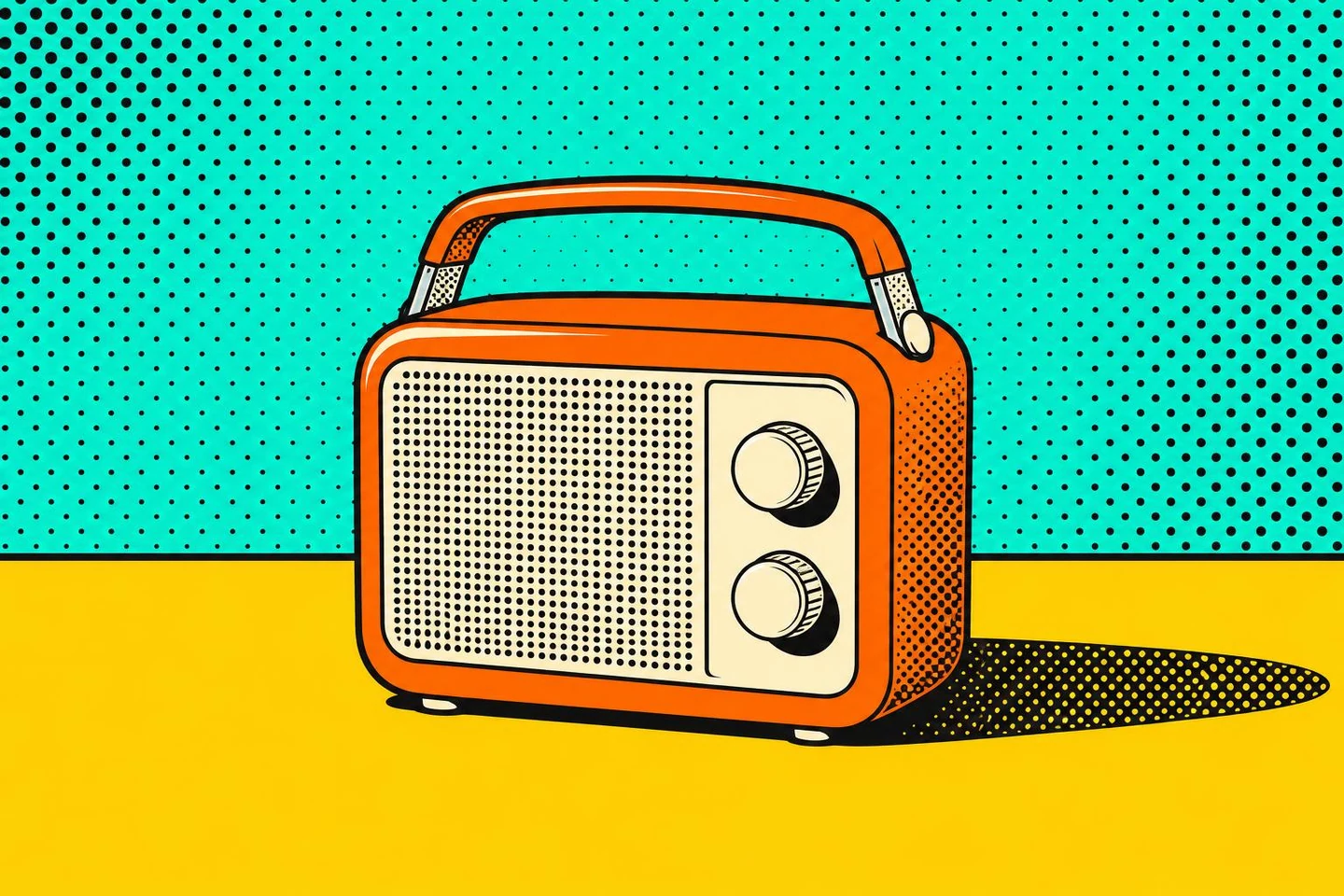
Convert photo to pop art — orange and cream radio against a turquoise halftone wall above a yellow table.
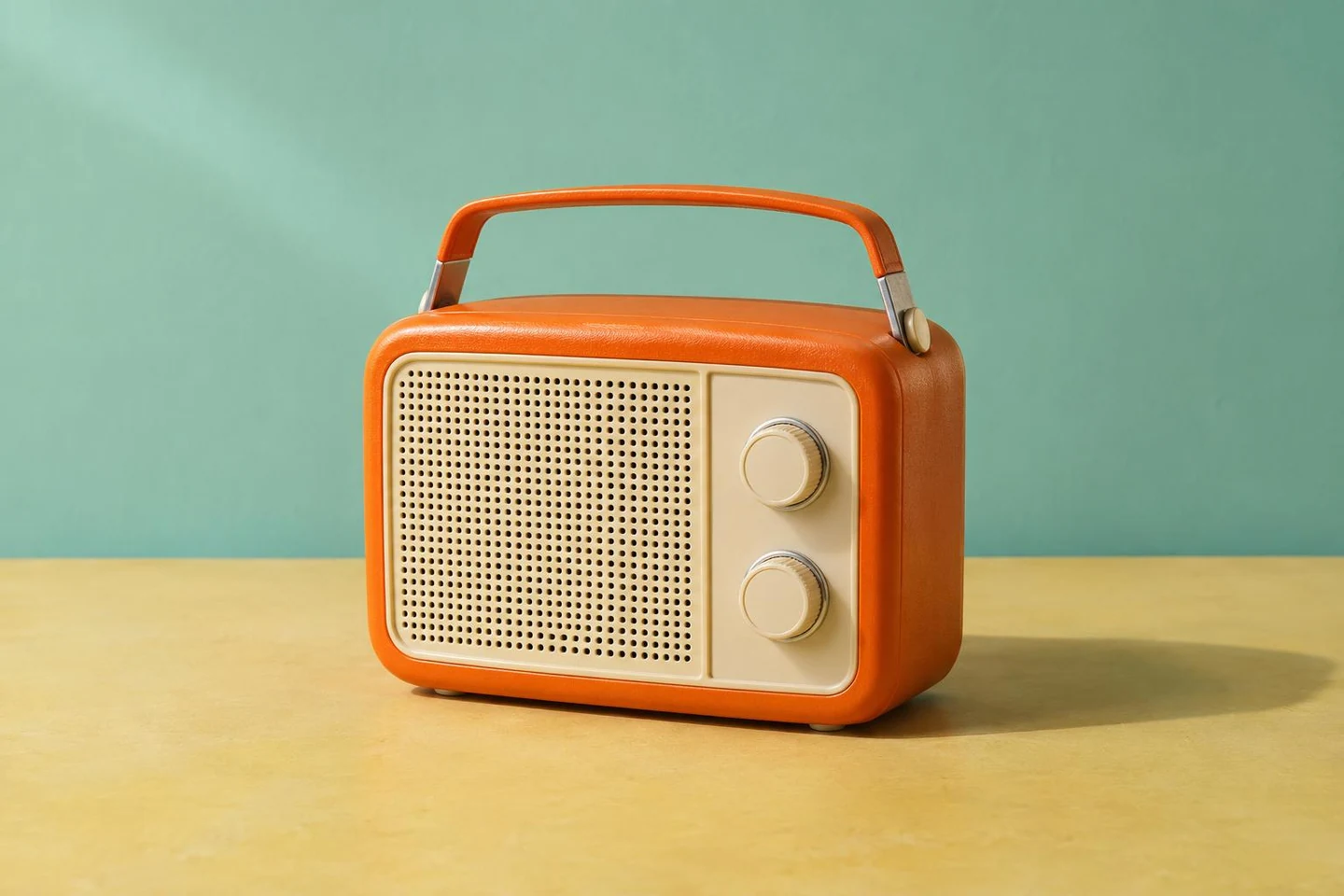
Convert photo to pop art — orange and cream portable radio on a yellow table against a turquoise wall.
OriginalPop art

Convert Photo to Pop Art: Before and After

AI-created source images. Results vary with your photo.

Convert photo to pop art — orange and cream radio with dark outlines against a turquoise halftone wall.
Convert photo to pop art — orange and cream portable radio on a yellow table with a turquoise background.
OriginalPop art

Convert Photo to Pop Art: Everyday Objects

The pop art effect keeps the radio recognizable with bolder color and dots.
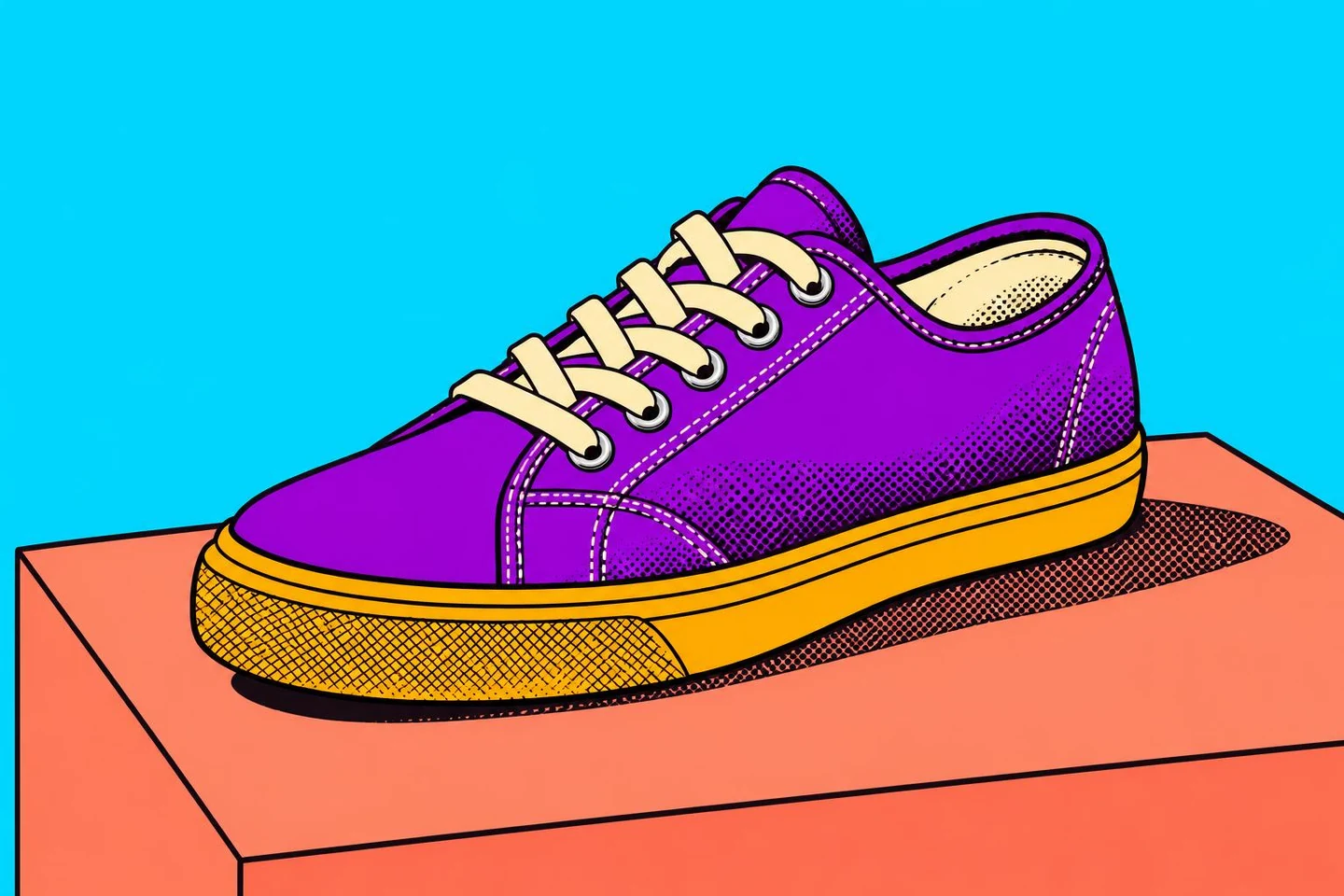
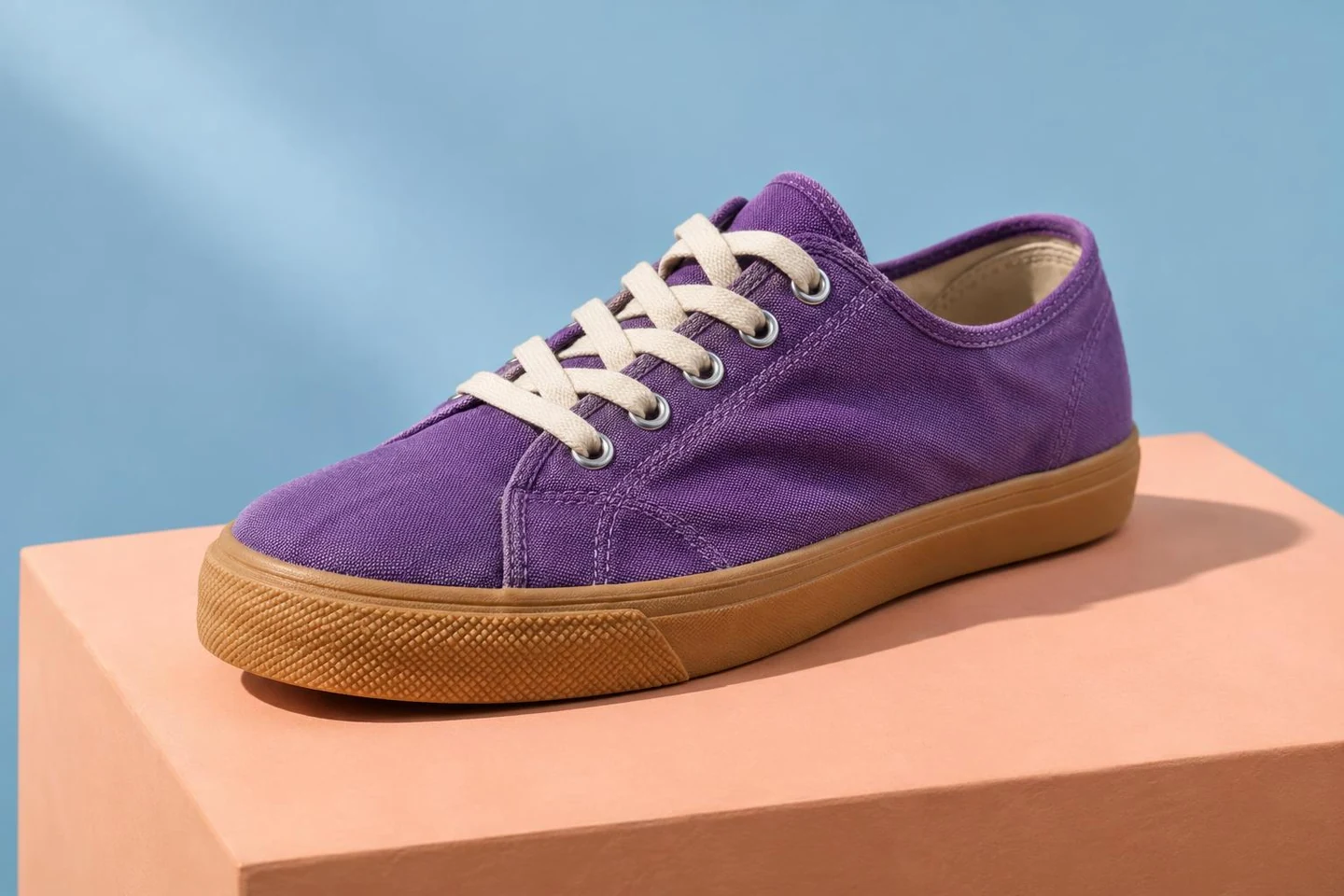
Convert photo to pop art — violet canvas sneaker with graphic color blocks on a peach plinth against blue.
Convert photo to pop art — single violet canvas sneaker with a gum sole on a peach plinth against a blue backdrop.
OriginalPop art

Convert Photo to Pop Art for Product Concepts

Compare the sneaker's silhouette, laces and sole.
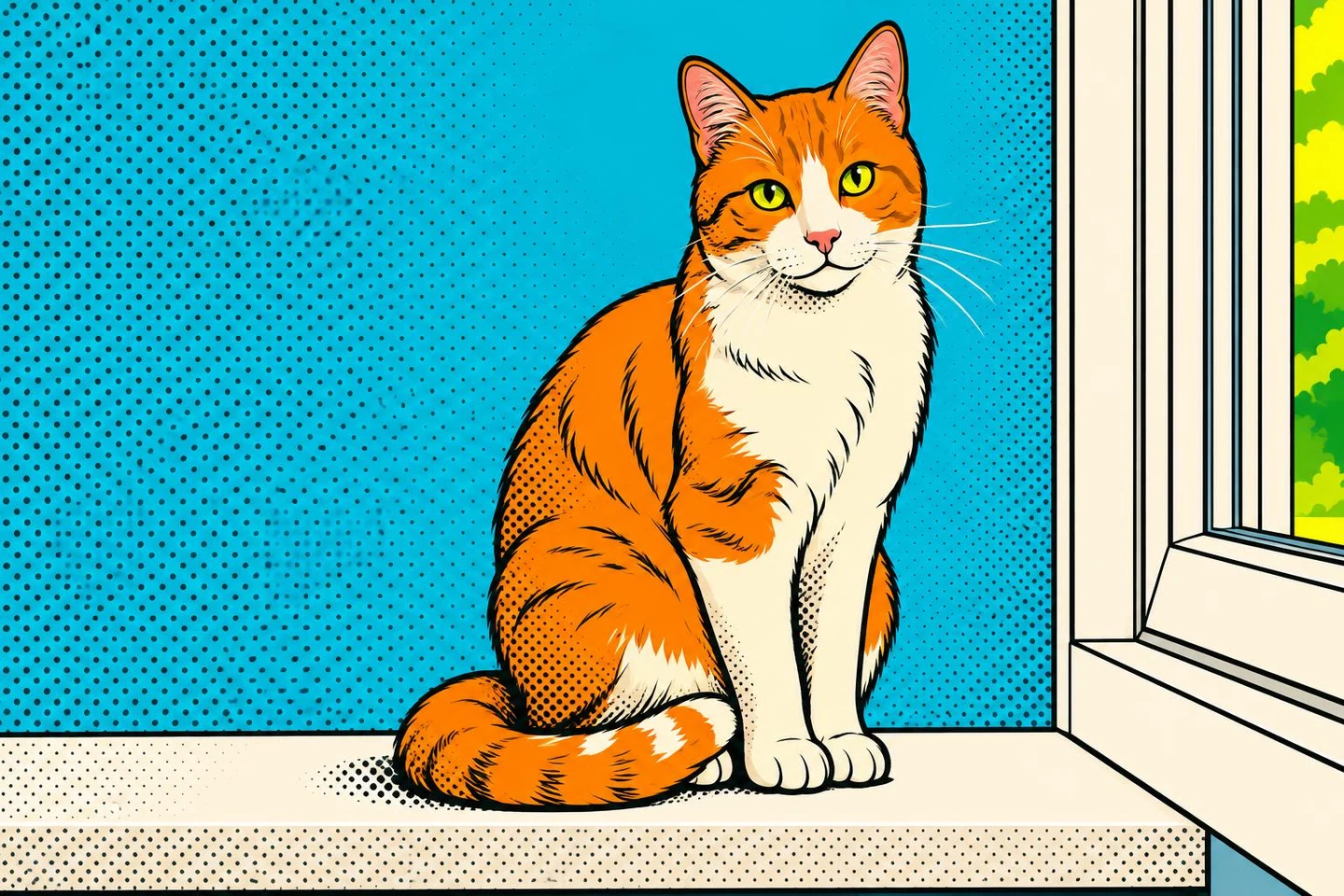
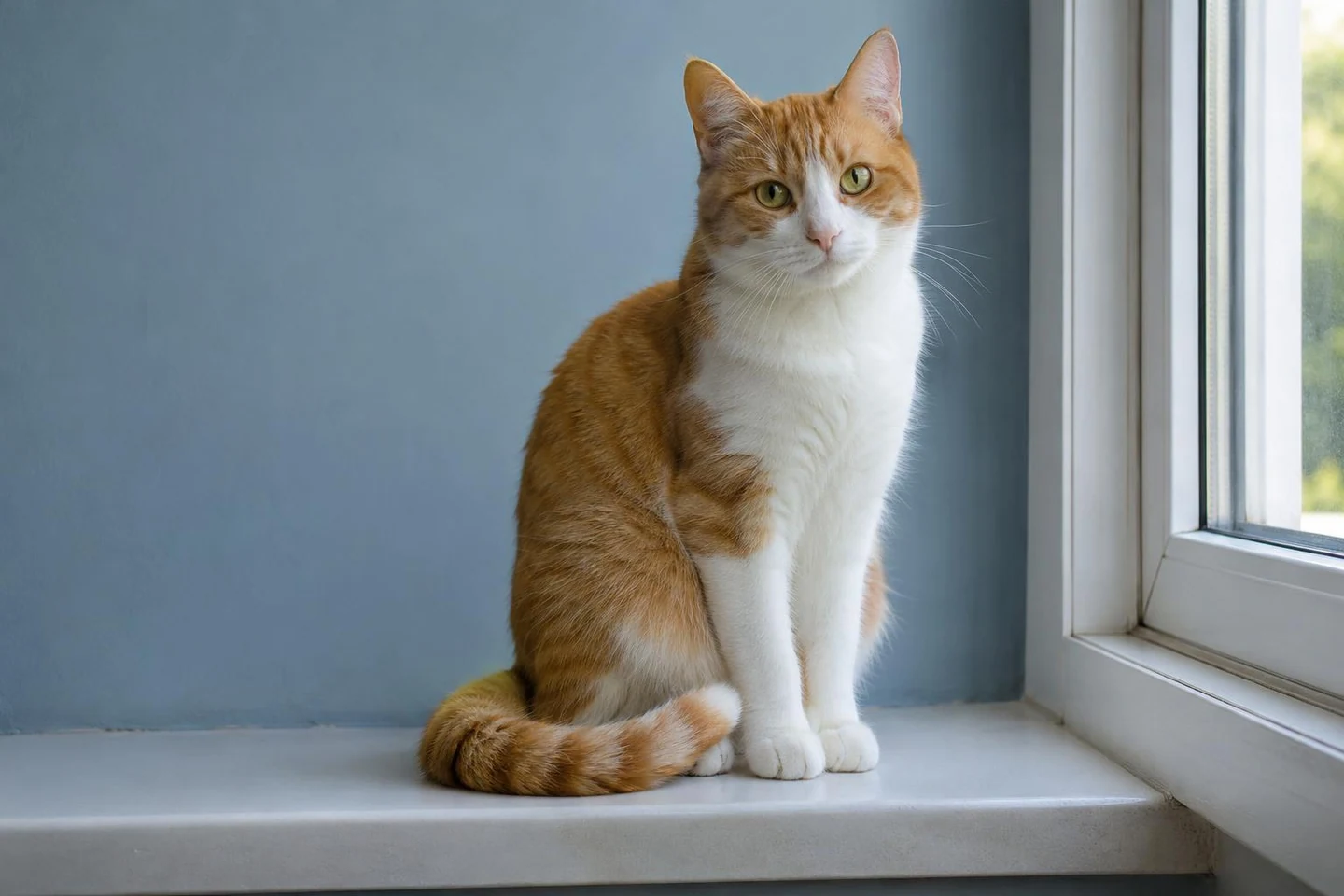
Convert photo to pop art — ginger and white cat on a windowsill beside a blue wall in graphic colors.
Convert photo to pop art — ginger and white cat sitting on a windowsill beside a blue wall.
OriginalPop art

Convert Photo to Pop Art for Pet Pictures

This pop art photo filter restyles pets; check expressions and markings.

How to Turn a Photo into Pop Art

Upload, style and compare.

01

Upload a Photo

Upload one JPG, PNG or WebP to the pop art photo generator.

02

Convert Photo to Pop Art Your Way

Set your palette, check the credit cost and generate.

03

Compare and Download

Compare, download or continue editing. Keep your original.

Convert Photo to Pop Art with a Clear Direction

Guide the picture to pop art generator with shapes and colors to keep.

Recognizable subjects

Keep Familiar Shapes

Keep the subject and framing; simplify color and light.

Your colors

Convert Photo to Pop Art in Your Colors

Choose vivid contrasts or a limited palette.

Convert Photo to Pop Art: Source Checklist

Start with a clear source.

Distinct Subject

One clear focal point.

Visible Edges

Clear separation supports bold outlines.

Simple Details

Check fine text and patterns.

Focused Prompt

Specify shapes or markings to keep.

Convert Photo to Pop Art, Then Review

Check details before sharing.

No. The AI reinterprets your photo; details can change.
Yes. Request one focused change. New generations use credits.

Convert Photo to Pop Art Online

Upload a photo and choose your look.

Convert Photo to Pop Art

Convert Photo to Pop Art for Your Next Project

Try this pop art maker with your own images.

Social Posts

Bold colors for everyday posts.

Pet Keepsakes

Colorful keepsakes of cats and dogs.

Product Concepts

Graphic concepts from your product photos.

Personal Projects

Fresh styles for objects and plants.

Convert Photo to Pop Art: Questions

Q

How to make a photo into pop art without drawing?

This photo to pop art converter handles the styling. Upload and use the default prompt.

Q

Is this a free pop art generator?

Available free credits have daily and network limits. Check your model's cost before generating.

Q

Can I use this pop art generator online on my phone?

Yes. Upload, review and download in your browser. No app needed.

Q

Will every detail stay unchanged?

No. AI may alter lettering, patterns and small details. Compare before sharing.

Q

Do I need a source image?

Yes. This AI pop art generator from photo needs an uploaded source.